
Download Cortana – Personal Productivity Assistant, Calendar Management, Task Reminders, Microsoft 365 Integration
Overview
Cortana was developed as a personal productivity assistant designed to streamline daily tasks and enhance organizational efficiency. The app enables users to manage schedules, set reminders, access real-time information, and interact with Microsoft 365 services through natural language commands. By leveraging voice and text input, Cortana reduces the complexity of routine digital interactions, making it easier for users to stay on track without navigating multiple apps. Its primary purpose is to serve as a centralized hub for productivity, particularly for individuals who rely on Microsoft tools in both professional and personal settings.
The app targets users who prioritize time management, calendar coordination, and seamless integration with work or school accounts. While the standalone Cortana application has been deprecated, its core functionalities remain accessible through deeper integration within the Microsoft ecosystem. This shift reflects a strategic evolution toward embedding assistant capabilities directly into operating systems and productivity suites. Real-world use cases include scheduling meetings across time zones, setting task-based reminders, and retrieving weather or news updates without leaving the current workflow. In the broader app ecosystem, Cortana played a significant role in advancing voice-driven productivity tools, even as its standalone presence diminished.
Key Features & Functionality
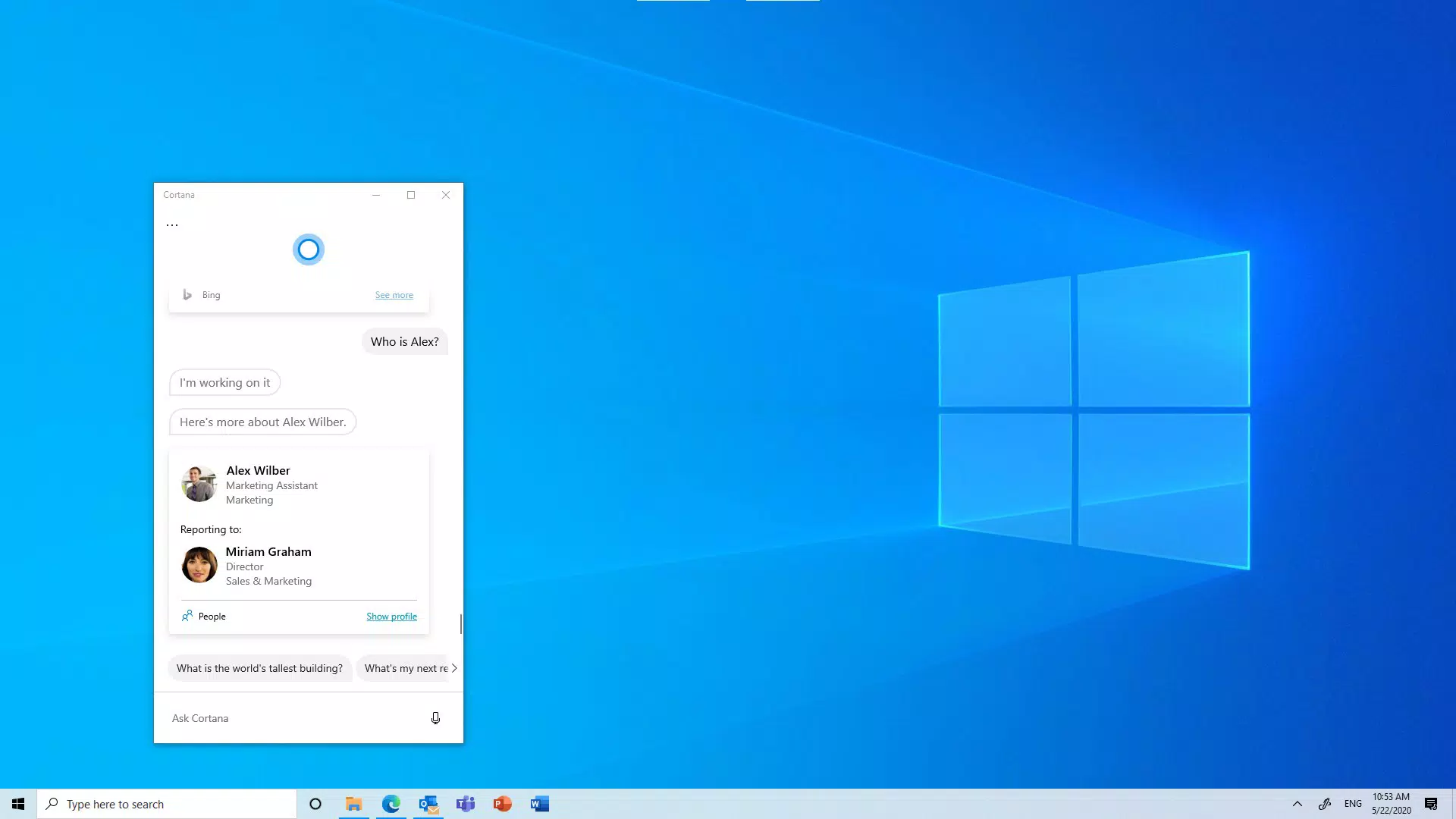
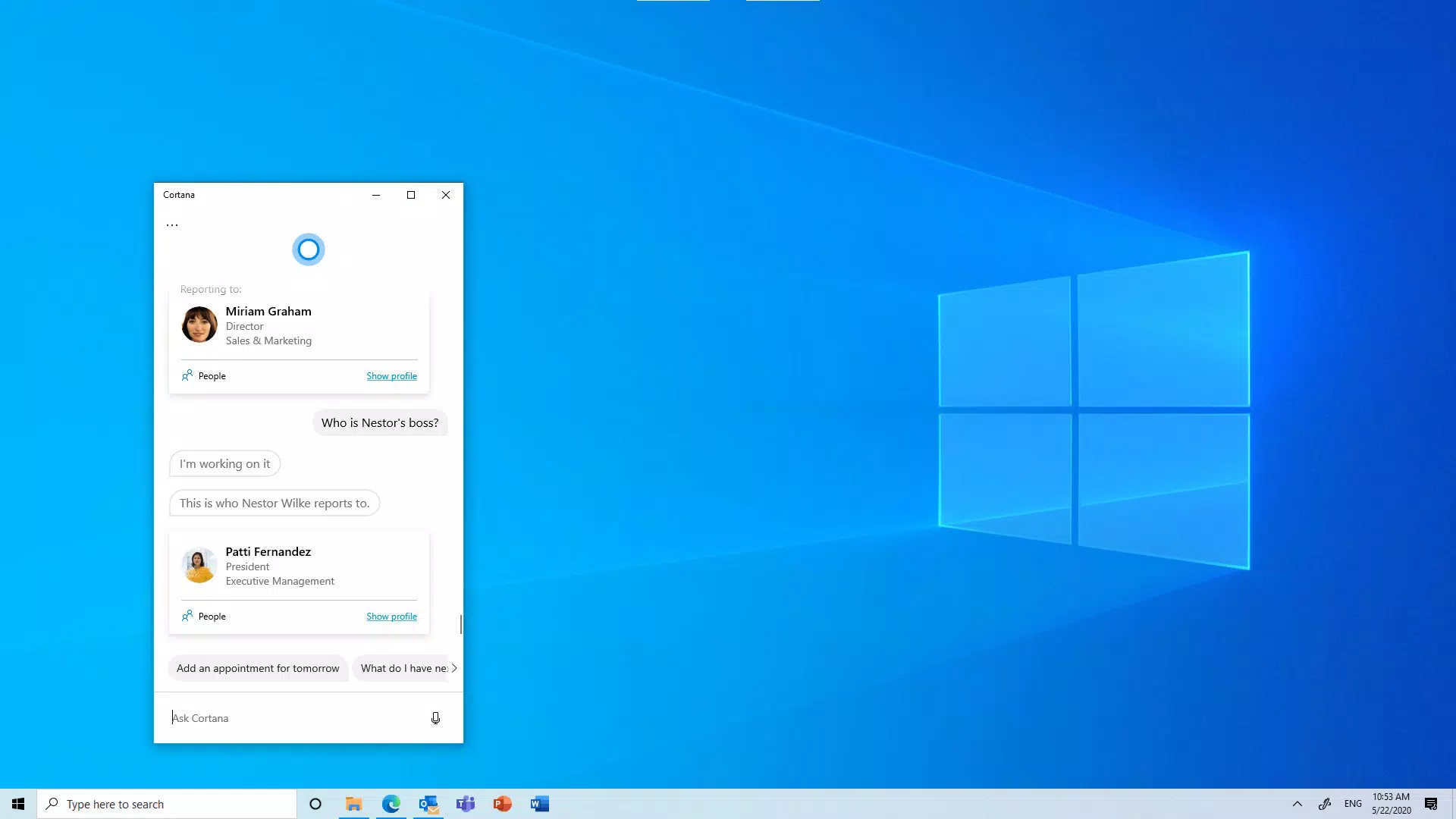
- Natural Language Interaction: Users can communicate with Cortana using everyday speech or typed input, eliminating the need for rigid command structures. This feature enhances accessibility and allows for faster task execution, particularly in multitasking environments.
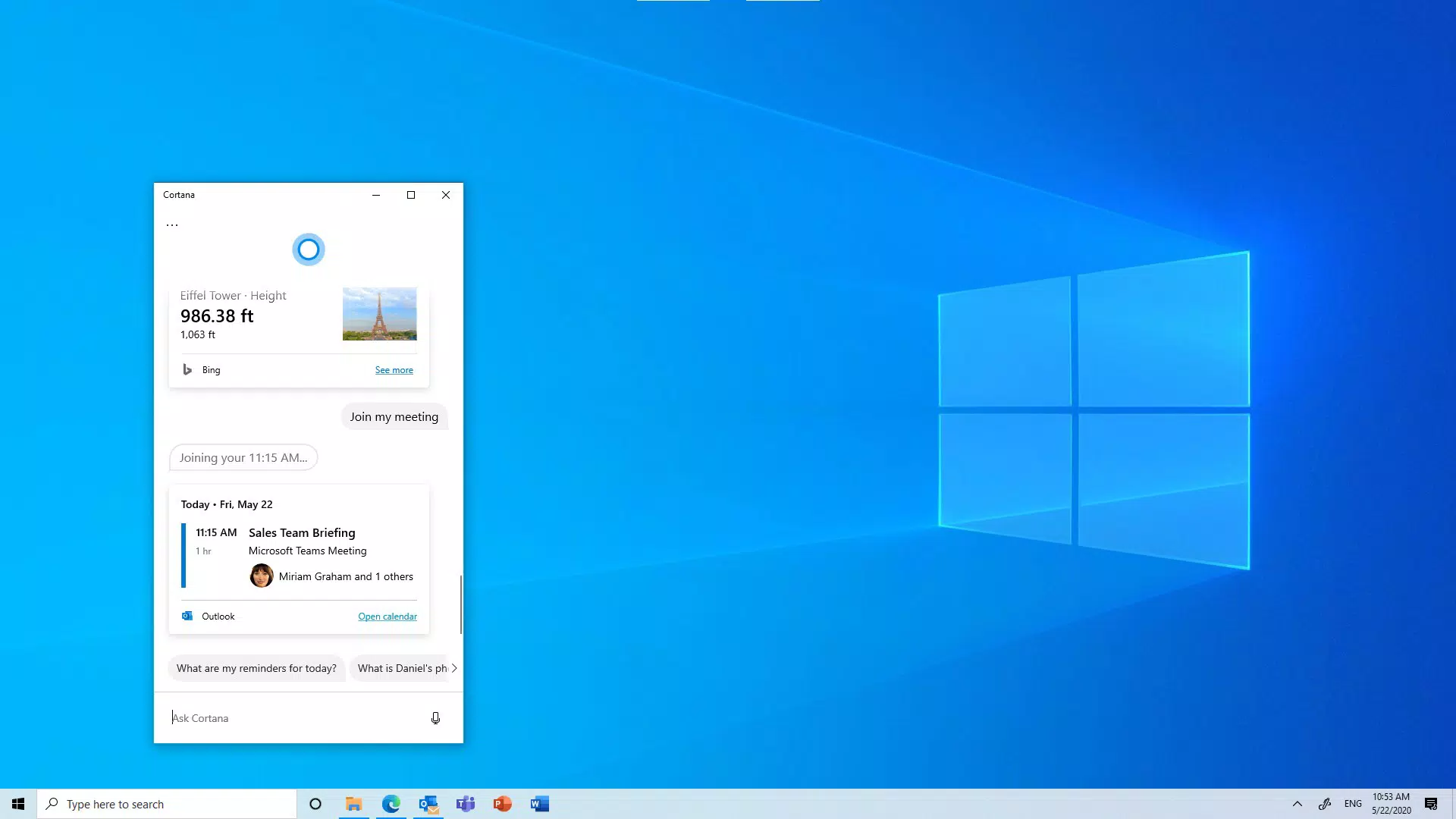
- Schedule Management: Cortana analyzes availability across calendars to suggest optimal meeting times and can initiate meeting invitations with selected contacts. This functionality helps reduce scheduling conflicts and improves team coordination.
- Reminders and Task Tracking: Users can set time-specific or location-based reminders, ensuring critical actions are not overlooked. These alerts integrate with task lists and calendar entries, providing a unified approach to personal and professional planning.
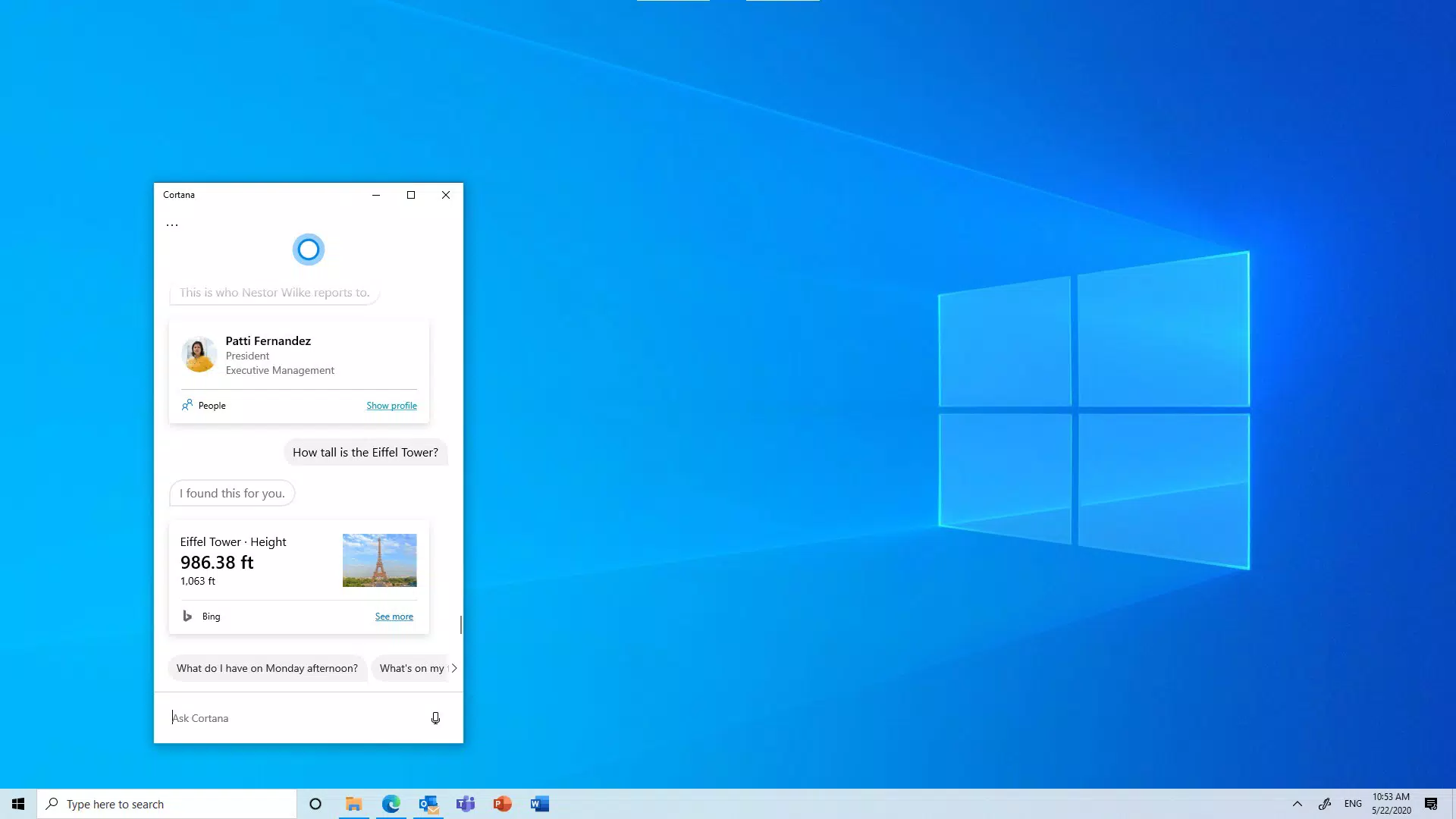
- Information Access: Cortana delivers timely updates on news, weather, traffic, and financial data. This feature serves as a quick-reference tool for users who need current information without switching between multiple apps.
- Microsoft 365 Integration: Full functionality requires a work or school account. Once signed in, users gain access to synchronized calendars, email, tasks, and documents, creating a cohesive productivity experience across devices.
For example, a user could say, “Find a time for a team meeting tomorrow at 2 PM,” and Cortana would check availability and propose options. Similarly, saying “Remind me to call Sarah when I leave the office” triggers a location-based alert. These real-world interactions demonstrate how Cortana enhances workflow efficiency by minimizing manual input and automating routine decisions.
Interface, UX & Performance
The user interface of Cortana emphasizes simplicity and clarity, featuring a clean layout that prioritizes essential functions such as voice input, calendar views, and task lists. Navigation is designed around a central hub where users can switch between reminders, schedules, and information feeds with minimal taps. The visual style aligns with Microsoft’s modern design language, using consistent typography, spacing, and color schemes to ensure readability and ease of use.
While the developer did not list formal performance metrics, the app appears to respond quickly to voice and text inputs, maintaining smooth transitions between tasks. Responsiveness is maintained across various device categories, including smartphones and tablets, though specific performance benchmarks were not disclosed. Stability is supported by its integration with Microsoft’s backend services, which help manage data synchronization and reduce crashes. Although the developer did not specify minimum OS requirements, the app is known to function on devices running supported versions of Windows 10 and later.
Platform Compatibility & Technical Requirements
Cortana is available on the Windows platform, specifically designed for devices running Windows 10 and later operating systems. The application is optimized for use on smartphones, tablets, and desktops within the Microsoft ecosystem. The file size of the app is approximately 150 MB, though exact figures may vary slightly depending on the device configuration and installed components.
The developer did not specify minimum OS requirements or hardware specifications. Compatibility information was not fully disclosed, and no official details were provided about support for iOS or Android. As a result, users should verify their device’s compatibility through the Microsoft Store or official documentation before attempting installation.
Pros and Cons
Pros
- Seamless integration with Microsoft 365 services for enhanced productivity.
- Natural language interaction improves accessibility and user engagement.
- Efficient calendar and meeting scheduling with intelligent availability checks.
- Supports location-based and time-based reminders for better task management.
- Provides instant access to news, weather, and financial updates.
Cons
- Standalone app has been deprecated; functionality is now embedded within other Microsoft services.
- Limited availability outside of Windows-based devices.
- No official support for iOS or Android platforms.
- Full features require a work or school Microsoft account, limiting personal use.
- Performance and compatibility details were not publicly disclosed.
FAQ
Is Cortana still available for download?
Cortana is no longer available as a standalone app on most platforms. Its features have been integrated into Windows 10 and later, as well as other Microsoft services. Users may still access core functionalities through the Microsoft ecosystem.
Can I use Cortana on my iPhone or Android phone?
Official support for Cortana on iOS and Android devices has been discontinued. While limited functionality may exist through web-based access, the full experience is restricted to Windows-based devices.
Do I need a Microsoft account to use Cortana?
Yes, full access to Cortana’s features, including calendar sync, task management, and Microsoft 365 integration, requires signing in with a work or school account. Personal use is limited without such credentials.
Is Cortana secure to use?
Cortana uses Microsoft’s security protocols to protect user data. All voice and text interactions are processed through secure channels, and data is encrypted both in transit and at rest. Users are advised to manage their account permissions carefully.
How often is Cortana updated?
Updates are released as part of the Windows operating system and Microsoft 365 service updates. Users should keep their devices and apps up to date to ensure access to the latest features and security patches.
Final Thoughts
Cortana remains a valuable tool within the Microsoft productivity suite, offering a robust set of features for users who rely on seamless integration between calendar, tasks, and communication tools. While its standalone presence has faded, its embedded capabilities continue to support efficient workflow management across professional and personal environments. The app excels in natural language interaction, intelligent scheduling, and real-time information access, making it particularly beneficial for business professionals and students using Microsoft 365.
Despite limitations in platform availability and the absence of public performance data, Cortana delivers consistent value through its deep integration with existing Microsoft services. For users already invested in the Windows ecosystem, it represents a powerful addition to their digital toolkit. If you’re seeking a reliable, voice-enabled assistant that works in harmony with your calendar and tasks, Cortana is worth exploring.
Download Cortana now


